• Overview
  • Layers
  • Upload reference data
  • Layer & model info
  • Edit dataset tags


  • Zoom to extent
  • Home

Researcher base in Tasmania

Mapping fractional vegetation cover in UAS RGB and multispectral imagery in semi-arid Australian ecosystems using CNN-based semantic segmentation

Landscape Ecology, 2025

Authors: Laura N. Sotomayor, Arko Lucieer, Darren Turner, Megan Lewis, Teja Kattenborn

DOI: 10.1007/s10980-025-02193-y

This viewer lets you explore the RGB, multispectral inputs and CNN-based FVC predictions for the low, medium and dense sites at Calperum Station.

  • Zoom to study area

PhD researcher at TerraLuma Lab, UTAS

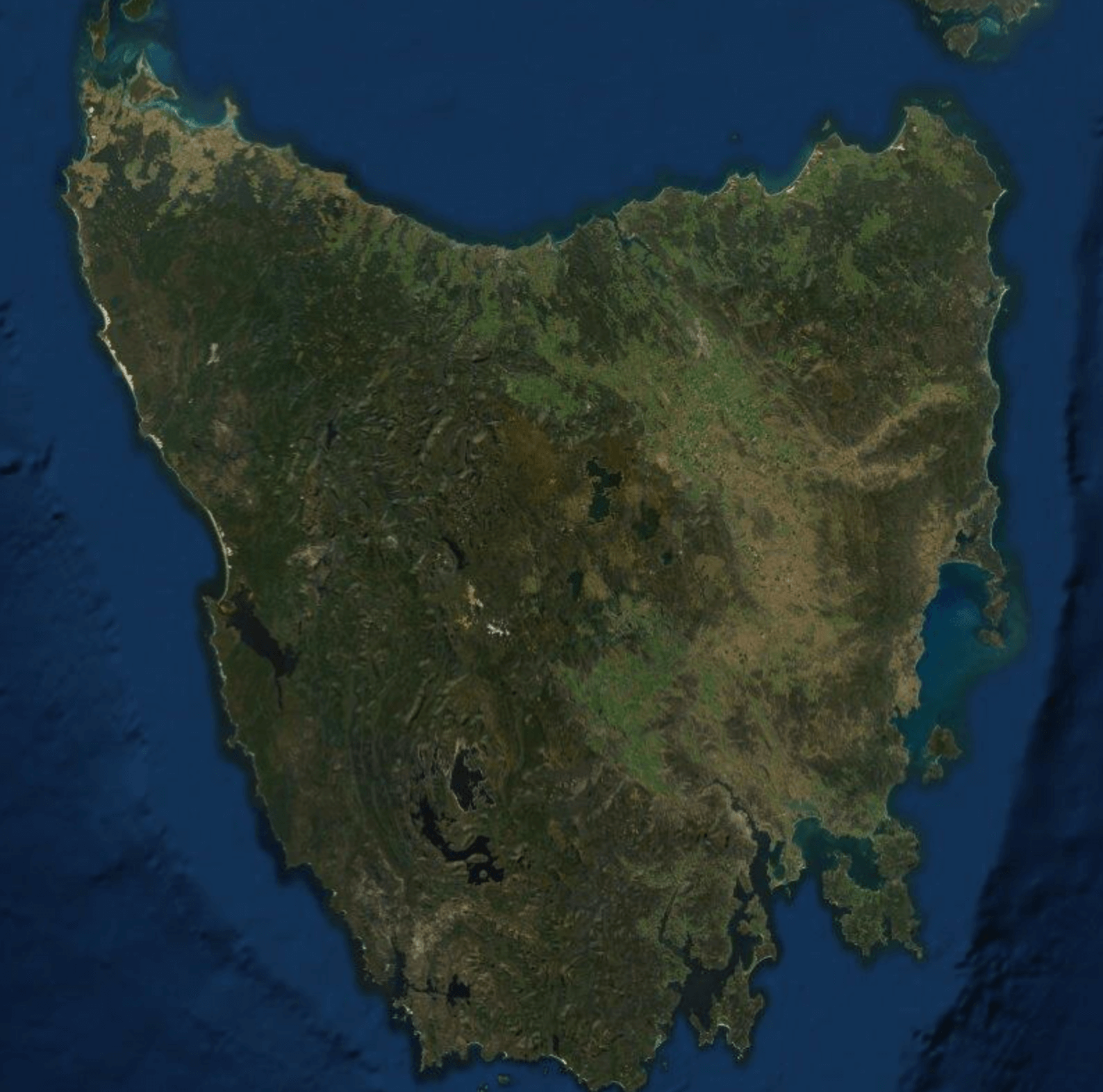
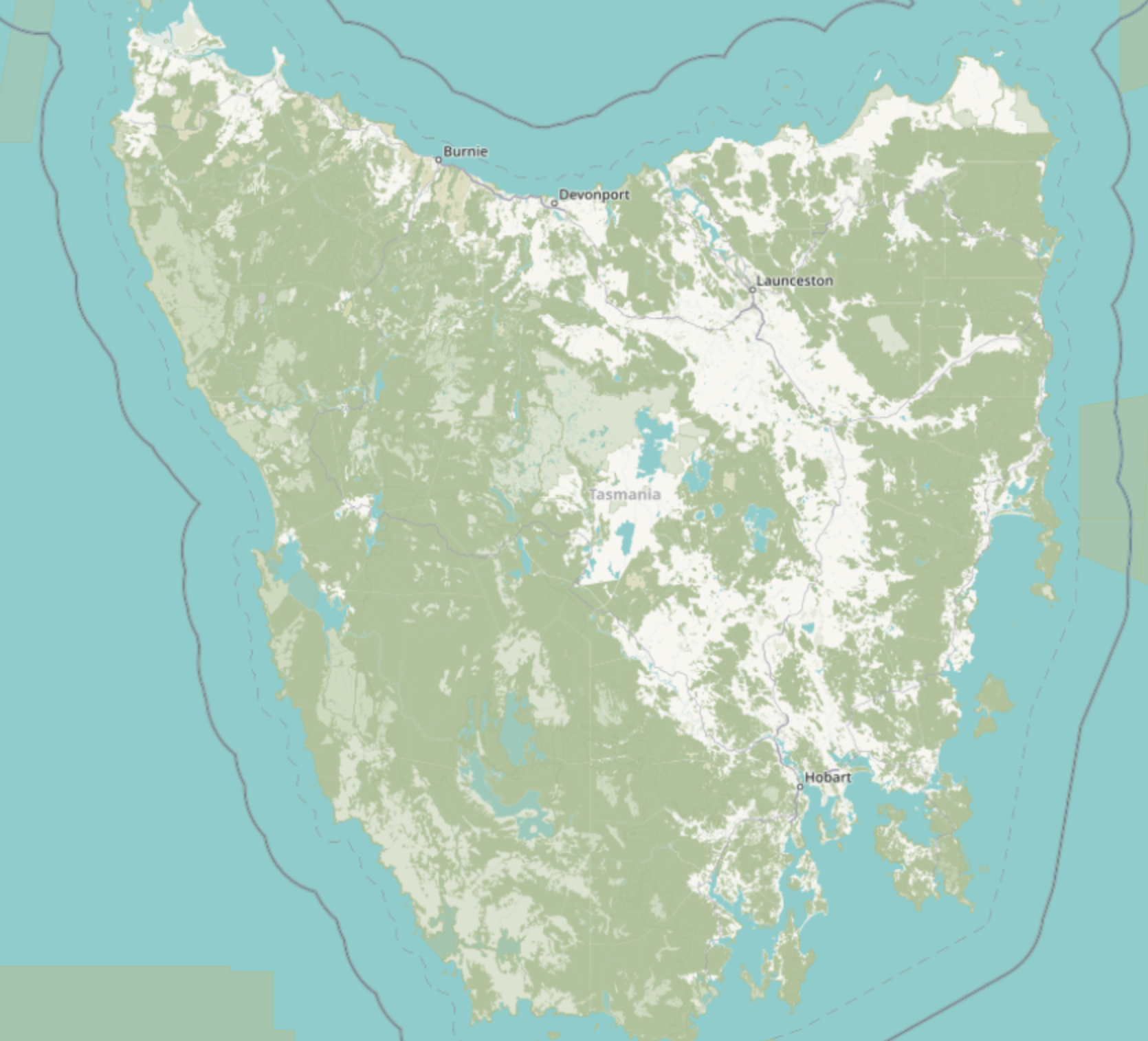
Centre the map on Hobart and the surrounding Tasmanian coastline to highlight the research base location.

Learn more about TerraLuma research at UTAS

Focus on Tasmania
  • Home

Layers

Base layers (select one)

... Esri World Imagery (context map)

... OSM Standard (reference basemap)

Overlay layers (select multiple)

... Multispectral composite (UAS inputs)

... RGB orthophoto – Calperum medium site

Hint: start with the RGB orthophoto, then toggle the multispectral composite to explore how the CNN uses spectral information to separate bare ground (BE), NPV, PV, shadow (SI) and water (WI).

Upload reference data


-- Drag and drop CSV with point or plot locations --

Use this area to upload optional validation or field plot locations (e.g. UTM coordinates and site IDs). These points can then be linked to the FVC layers to compare model predictions with field observations.

Layer & model details


TERN orthophoto metadata

Summary fields read from the TERN STAC item (level1_proc.json) that provides the RGB orthophoto used in the map.

Dataset title level1_proc
Acquisition datetime 2022-05-19T00:00:00Z
WMS layers Calperum_20220519_SASMDD0001_p1_ortho_01_cog


Help

Click each box below to learn how to explore the FVC maps.
What does this map show? →

  • The viewer displays UAS RGB and multispectral imagery from Calperum Station, together with CNN-based FVC predictions for five classes: bare ground (BE), non-photosynthetic vegetation (NPV), photosynthetic vegetation (PV), shadow (SI) and water (WI).
  • Use the Layers tab to toggle imagery and model outputs for different vegetation density sites.

How do I adjust the map? →

  • Open the Layers tab to switch between Esri imagery and OSM as base maps, and to show or hide the multispectral composite and RGB orthophoto.
  • Use the mouse wheel or trackpad to zoom, and drag the map to pan across the low, medium and dense sites.

What do the FVC classes mean? →

  1. BE (0) – Bare ground: soil, gravel, rocks.
  2. NPV (1) – Non-photosynthetic vegetation: litter, woody material, dry plant tissue.
  3. PV (2) – Photosynthetic vegetation: green foliage with high chlorophyll content.
  4. SI (3) – Shadow: terrain and canopy shadows influencing spectral response.
  5. WI (4) – Water: small surface water features present in the dense site.

How were the predictions generated? →

  • We trained U-net CNN models on centimetre-scale multispectral tiles derived from the UAS orthomosaics, using manually and semi-automatically labelled masks for the five FVC classes.
  • Site-specific models were developed for each vegetation density (low, medium, dense), and additional experiments assessed model transferability across sites.

Edit dataset labels

Dataset metadata

Settings